Any menu, any language
See every dish.
Then cook it.
Point your phone at a menu and Snappy Menu pictures and explains every dish, with allergens, heat and a little story. Loved one? Save it to your Food passport and cook a home version when you get back.
How it works
Snap. Know. Cook.
- Step 1
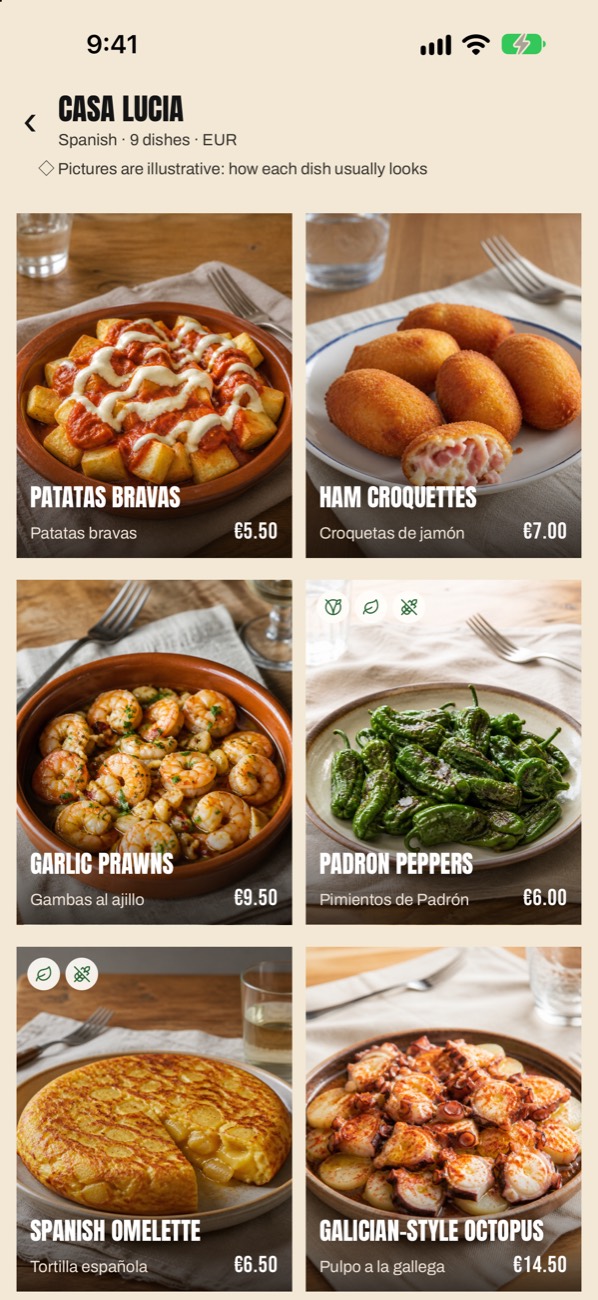
Snap the menu
Point your phone at the menu, or pick pages from Photos. Printed, handwritten or chalked on a board, in any language.
- Step 2
Know every dish
Every dish is read, pictured and explained: what's in it, the allergens, how hot it is, how it's cooked and a short story.
- Step 3
Cook it at home
Loved it? Open How to make it for a home version in your language, then cook it one step at a time.
At the table
Know what you’re ordering.
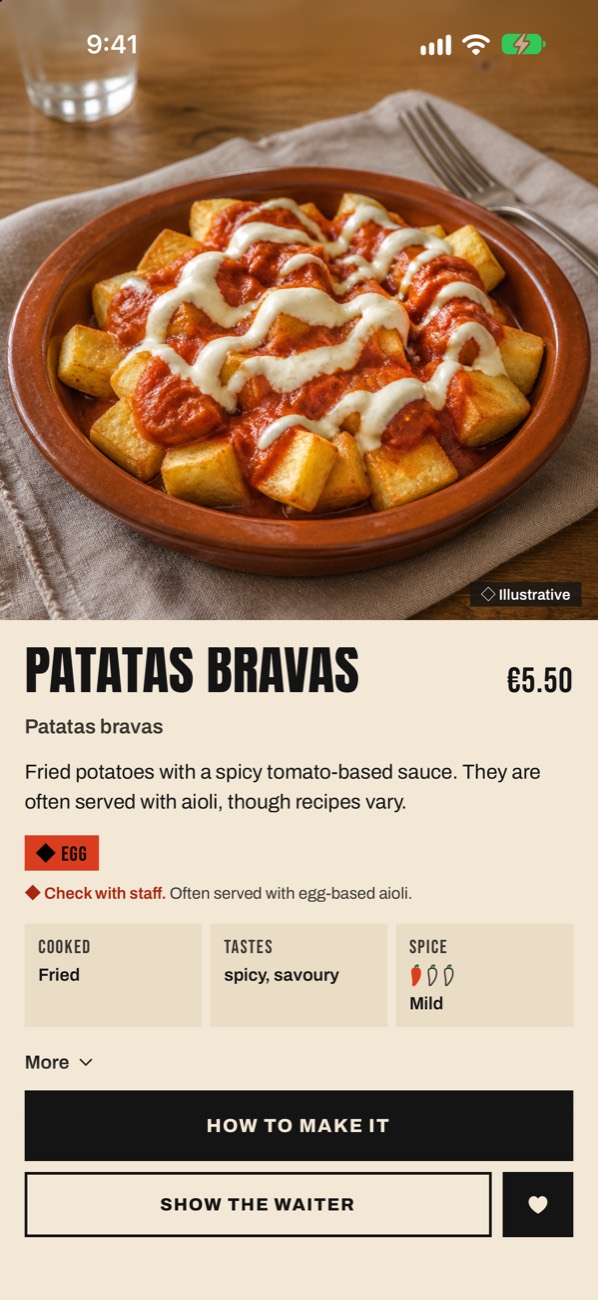
Every dish gets a picture, what’s in it and how it’s cooked, the allergens it usually has, and a short story of where it comes from.
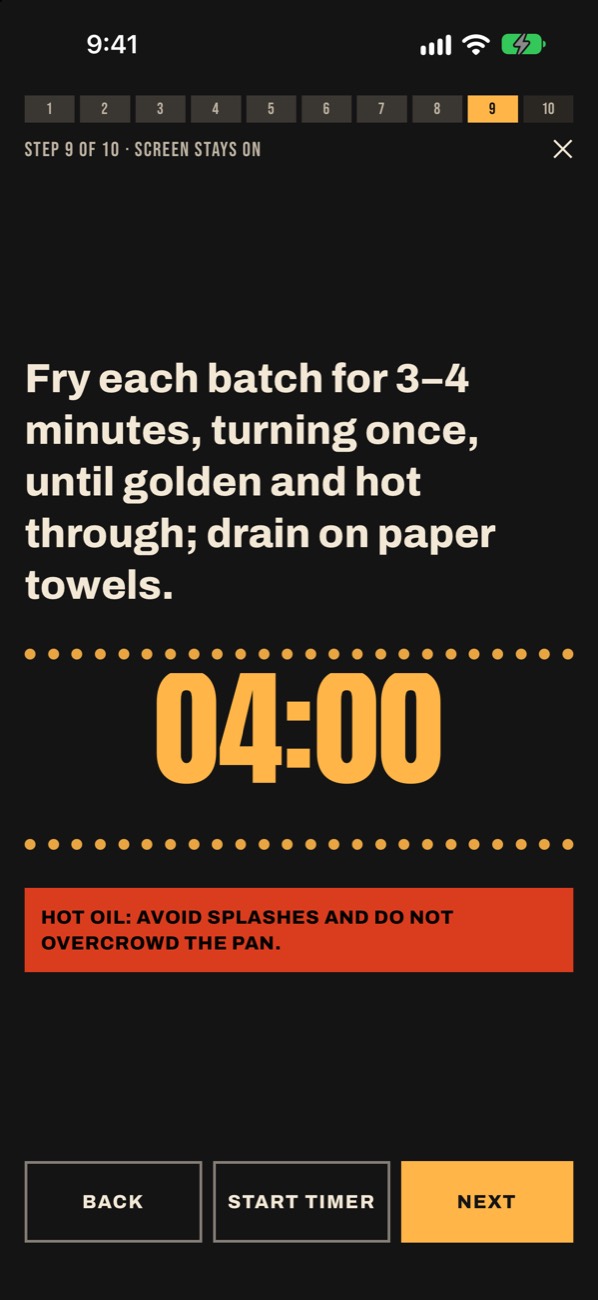
Loved it? Cook it.
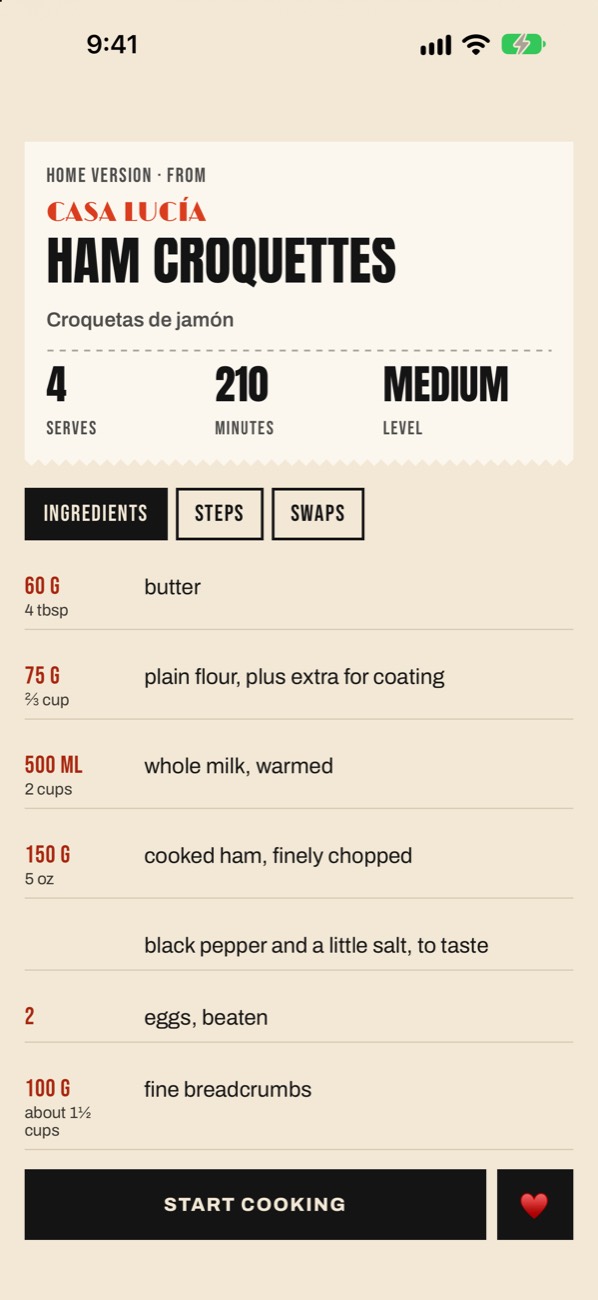
A home version of every dish.
Tap How to make it for a recipe in your language: grams and cups, swaps to make it vegetarian, gluten-free or milder, and safety notes where they matter. Then cook mode walks you through it one big step at a time, with the screen kept on. Timers keep counting on your Lock Screen and in the Dynamic Island, and ring when it’s done, even with the app closed.
A home version inspired by the dish, never the restaurant’s own recipe.
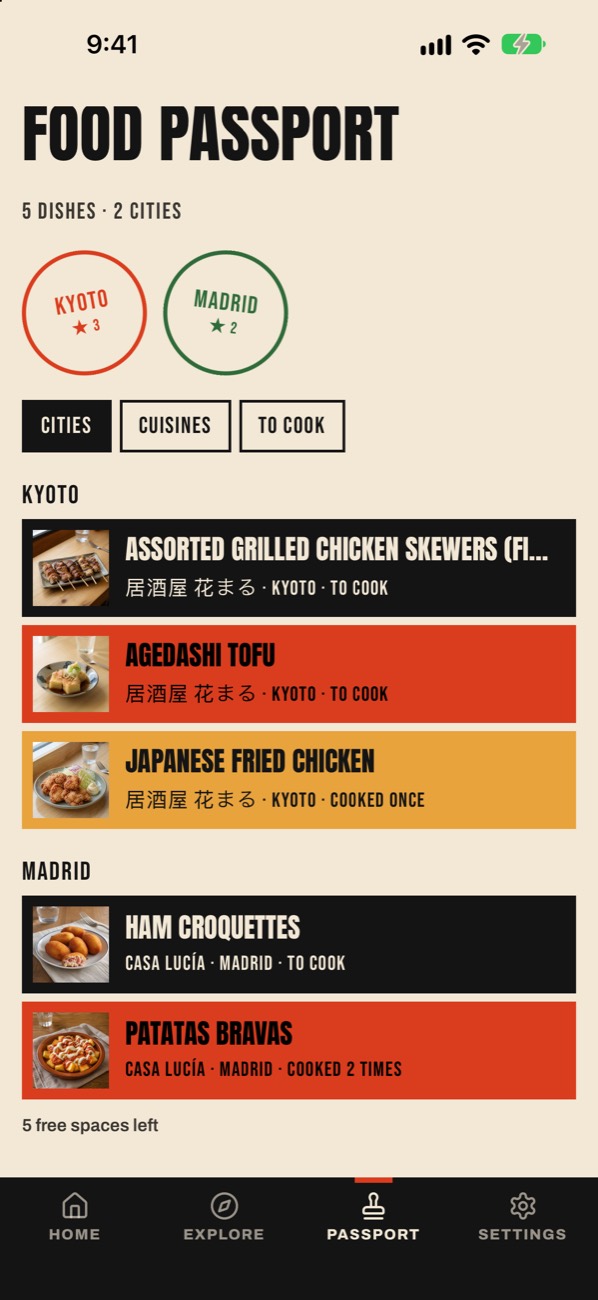
Your Food passport
Every dish you loved, by city.
Save a dish with the heart and it lands in your Food passport, stamped with the city you ate it in. Sort by city, by cuisine or by what’s still to cook, and get a nudge when it’s time to make it.
Questions
Good to know.
Is Snappy Menu free?
Yes, to start. Every day you get one menu pictured and one recipe, every dish is always read and explained, and your Food passport holds 10 dishes. Premium unlocks all of it.
Are the pictures of that restaurant's food?
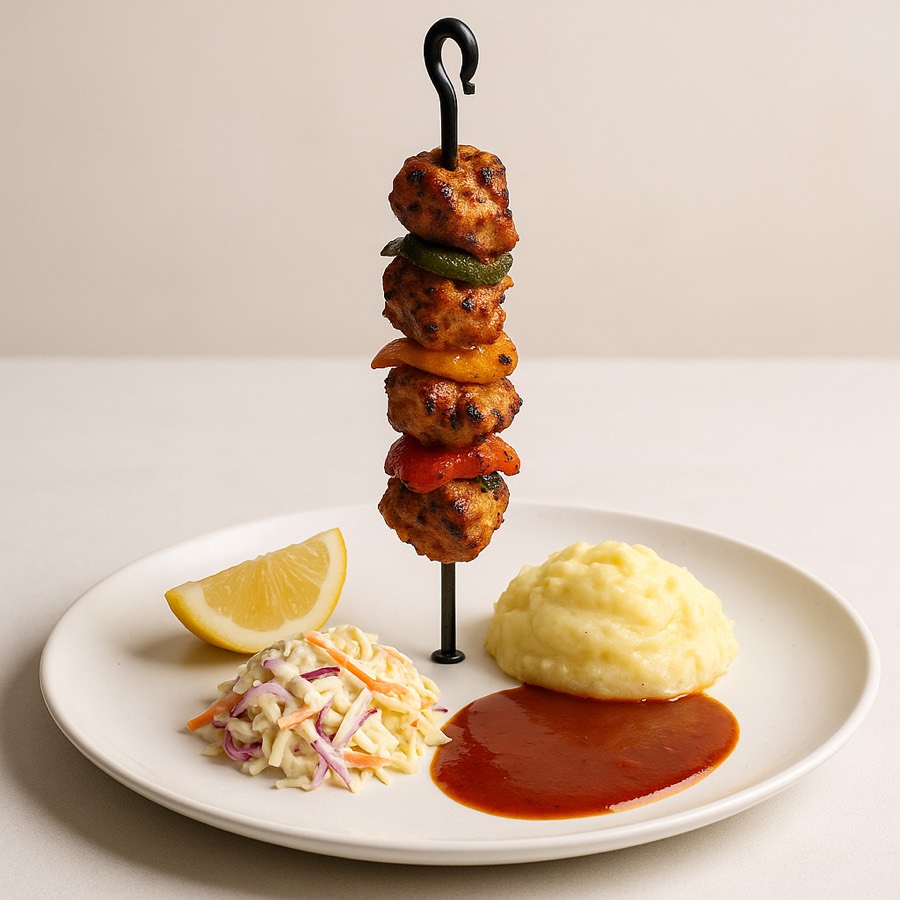
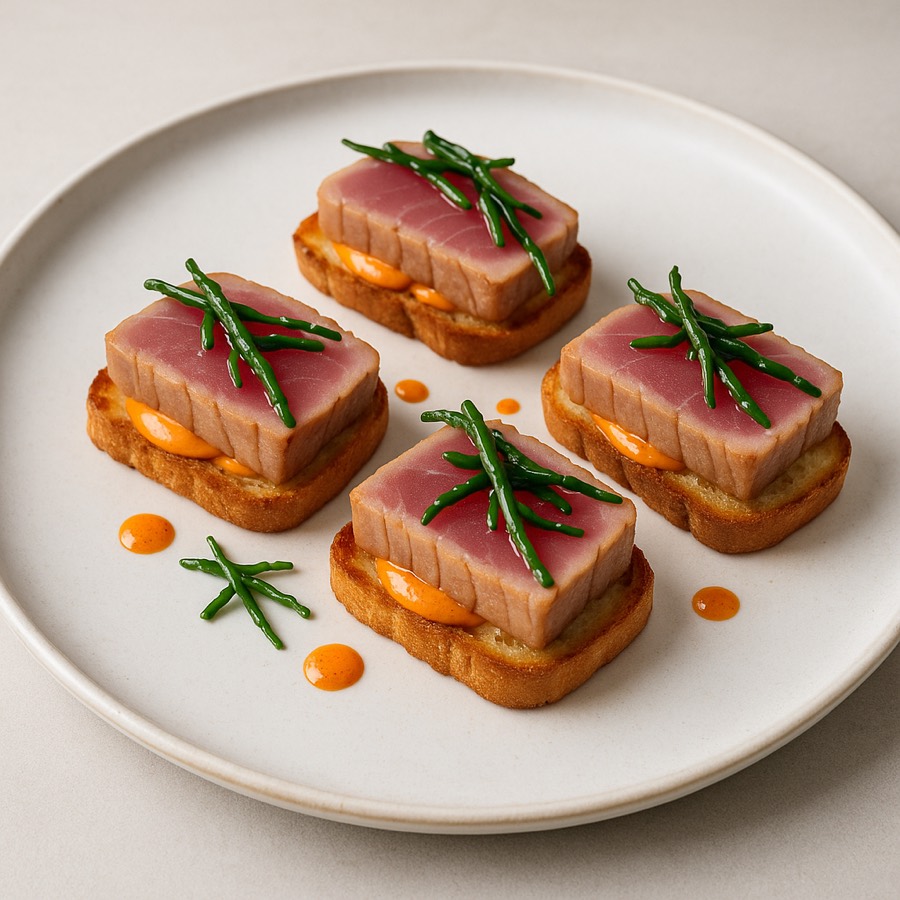
No. Each picture is an illustration of how the dish usually looks, never a photo of that kitchen's plate. The app says so on every menu.
Are the recipes the restaurant's own?
No. They're home versions inspired by the dish, written in your language, with ingredients in grams and cups and swaps to make it vegetarian, gluten-free or milder.
Which menus does it read?
Printed and handwritten menus, specials boards and menus in any language. Each dish keeps its original name next to the one in your language.
Can I scan a menu with several pages?
Yes. Choose the pages from Photos and they're read as one menu.
Does it tell me about allergies?
It flags the allergens a dish usually has and any dietary notes on the menu, like vegan. Kitchens differ, so always check with staff if you have an allergy.
Can I use it as a kitchen timer?
Yes. Start as many timers as you like, from a recipe step or on their own. They keep counting on your Lock Screen and in the Dynamic Island, and ring when they're done, even with the app closed.
Which languages is the app in?
The app is in 11 languages, and it reads menus in any language.
Where do my dishes go?
Save a dish and it goes in your Food passport, grouped by city with passport stamps, by cuisine or by what's still to cook.
The next menu is on us.
Free to download. One menu pictured and one recipe every day, and every dish always explained.